
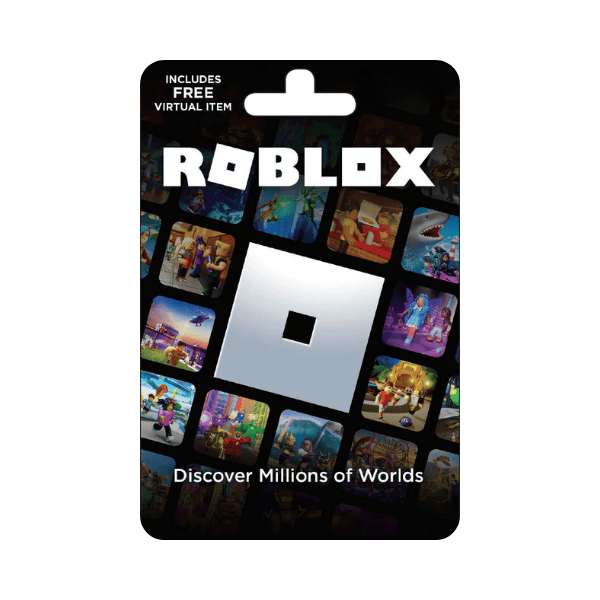
Roblox Robux Gift Card
Description
Buy Robux — the in-game currency on Roblox — with a Roblox Gift Card and spend them on avatar items, accessories, game passes, premium content inside player-created experiences, the Roblox Premium membership, and limited-time items in the Avatar Shop. Roblox gift cards are global. Codes redeem on any Roblox account regardless of the account region or country — the Robux lands directly in your account…
A Roblox code adds Roblox Credit to your account, which you then convert to Robux.
- In a browser — Go to roblox.com/redeem, sign in, enter the PIN from your delivery email, and click Redeem.
- Convert to Robux — On the same page, click Get Robux or Convert Credit to Robux and confirm. This second step is what turns the credit into Robux.
Before you redeem
- Redemption is browser-only — the Roblox app cannot redeem codes on most devices (Samsung Galaxy hardware is the one exception).
- The confirmation screen says “credit”, not Robux. That is expected — the conversion is the second step above.






Level up your gaming experience. Explore our diverse range of gift cards, vouchers, and game keys for PlayStation, Xbox, Nintendo, PC, and more.
© 2026 Metricade. Brand of Market Catalyst Enterprises. All rights reserved.
