
Google Play Gift Card Pakistan: Buy, Redeem & Top Up Guide
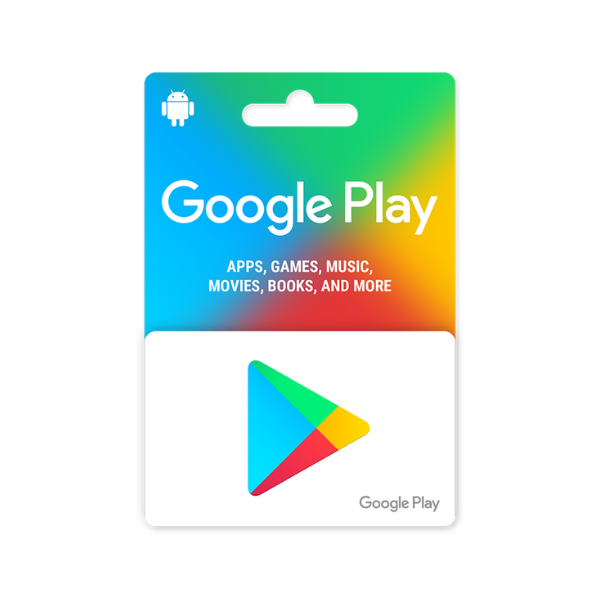
A Google Play gift card loads store credit onto your Google account, payable for almost everything Google sells on Android: apps, games, in-app purchases, subscriptions, books, movies, TV shows, and the various Google services (YouTube Premium, Google One, Google Play Pass). For Pakistani Android users, the gift-card route is the standard way around the international-credit-card requirement that the Google Play Store assumes by default. Here’s the complete guide.
Buy Google Play gift cards in Pakistan from Metricade. Top up your Google account without an international card. Delivery is instant by email, and you pay in Pakistani rupees via EasyPaisa, JazzCash, SadaPay, or bank transfer — no international card needed.
Region matching is strict on Google Play
Unlike Roblox or Steam, Google Play is unforgiving about regions. A gift card from one country only redeems on a Google account whose Play Store country is set to that same country. We stock three regions that cover the most common Pakistani Android configurations:
- USA — for Google accounts set to the US Play Store. The most common configuration among Pakistani buyers who set up their account with US billing for broader app availability and earlier app releases.
- UK — for accounts on the British Play Store. Less common but used by Pakistani buyers who routed their Google account through the UK for specific apps.
- Turkey (TR) — the cheaper-subscription workaround. Pakistani buyers who switched their Google account to the Turkish Play Store specifically for cheaper YouTube Premium, Google One, Spotify, and other regional pricing need a Turkish-region card.
Check your Google Play country setting at play.google.com/store/account → Payments & subscriptions → Settings → Country. The country you see there is the one your card must match.
What Google Play credit pays for
Anything on the Play Store charges against your Play balance:
- Apps and games — paid apps, paid games, premium upgrades.
- In-app purchases — coins/gems/V-Bucks/UC inside individual apps. Many Pakistani Android players use Play balance specifically to buy PUBG UC, Free Fire diamonds, MLBB diamonds, Roblox Robux on Android, and similar.
- Subscriptions — Google Play Pass (the Google subscription gaming service), YouTube Premium, Google One storage, third-party subscriptions billed through Play (Tinder, Spotify, etc.).
- Books and movies on Google Play Books and Google TV.
Step-by-step: buying and redeeming
- Pick the Google Play gift card denomination from our Google Play category, selecting the region (USA / UK / TR) that matches your Google account’s Play Store country.
- Check out in Pakistani rupees — pay via EasyPaisa, JazzCash, SadaPay, NayaPay, or bank transfer.
- The code arrives in your inbox the moment your order is approved.
- Redeem at play.google.com/redeem on any web browser signed in to your Google account, or inside the Google Play app on Android: Profile → Payments & subscriptions → Redeem Code.
Compatibility
Google Play balance works on Android phones, tablets, Chromebooks, Wear OS smartwatches, and Android TV / Google TV devices. The balance is associated with your Google account, not with a specific device — sign in on a new phone and the same balance is available.
The Turkey-region YouTube Premium workaround
One specific use case that drives Turkish-card sales: Pakistani buyers who set up a Turkish Google account specifically for cheaper YouTube Premium (around 60% cheaper in real rupee terms than US-region pricing, as of 2026), Google One, and Spotify subscriptions. If you’ve done this setup, a Turkish-region Google Play card pays for those subscriptions directly. The setup involves changing your Google account country, which Google only allows once per year — so if you’re already on a Turkish account, keep buying Turkish cards. If you’re not, the value gap may not justify creating a new Google account just for it.
If you also use Apple devices
iOS users in the same household often need a separate Apple gift card for App Store and Apple Music — Google Play balance doesn’t apply across the Apple ecosystem. See our Apple gift card category for the iOS-side equivalent.
Where to buy Google Play gift cards in Pakistan
Load your Play balance and buy apps, games, or in-app items in rupees. Buy Google Play gift cards on Metricade — instant email delivery, payment in rupees through local methods, and genuine codes sourced for the Pakistani market.






Level up your gaming experience. Explore our diverse range of gift cards, vouchers, and game keys for PlayStation, Xbox, Nintendo, PC, and more.
© 2026 Metricade. Brand of Market Catalyst Enterprises. All rights reserved.
