
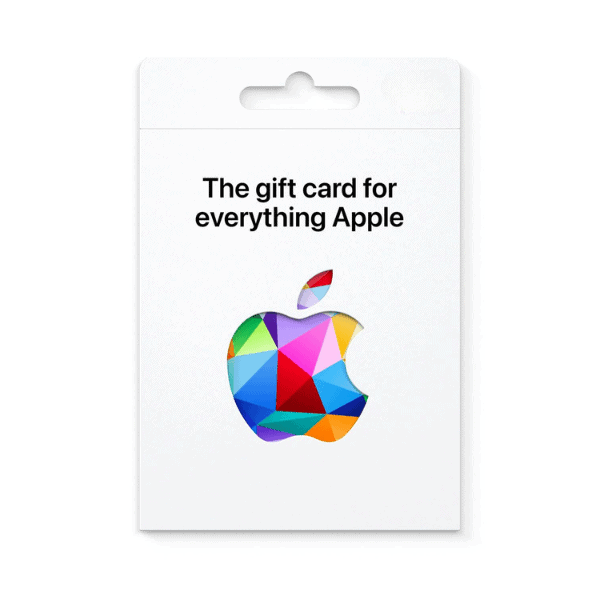
Apple Gift Card
Description
An iTunes gift card / Apple Gift Card — Apple unified the two product lines in 2020, but Pakistani buyers still commonly search for the older ‘iTunes’ name. The card adds balance to your Apple ID wallet and pays for apps and games on the App Store, music on Apple Music, iCloud+ storage tiers, Apple TV+ subscriptions, Apple Arcade memberships, in-app purchases in any App Store app, books…
An Apple Gift Card code is 16 digits and adds balance to your Apple Account for the App Store, Apple Music, iCloud+ and more.
- On iPhone or iPad — Open the App Store, tap your photo, choose Redeem Gift Card or Code, then enter the code (or use the camera to scan it).
- On Mac — Open the App Store, click your name, then Redeem Gift Card.
- On the web — Go to apple.com/redeem and sign in.
Before you redeem
- Apple Gift Cards are tied to the storefront they were sold for — a US card only redeems on a US Apple Account, a Canadian card on a Canadian one.
- If the regions do not match you will see “This code can only be redeemed in the country or region in which it was issued.”
- Switching your Apple Account country requires a zero balance and no active subscriptions, so match the region up front.







Level up your gaming experience. Explore our diverse range of gift cards, vouchers, and game keys for PlayStation, Xbox, Nintendo, PC, and more.
© 2026 Metricade. Brand of Market Catalyst Enterprises. All rights reserved.
