
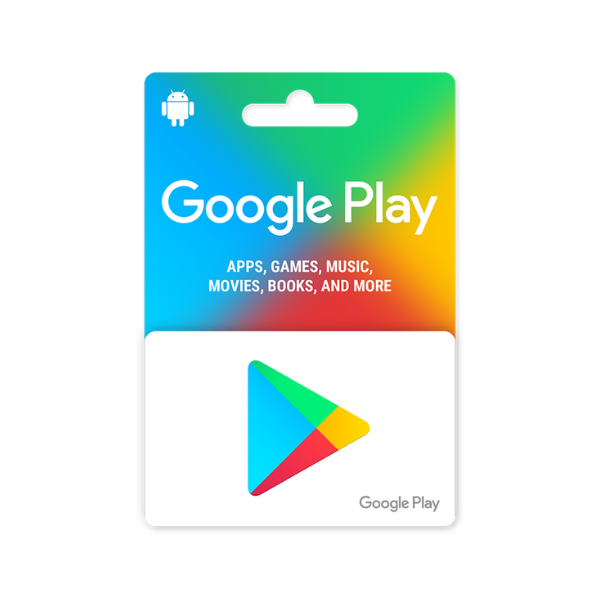
Google Play Gift Card
Description
Load store credit onto your Google account with a Google Play gift card and pay for apps, in-app purchases, Android games, Google Play Pass subscriptions, books, movies, TV shows, YouTube Premium, YouTube Music, and Google One — anything on the Play Store charges against your Play Balance. Region matching is strict on Google Play: a card from one country only redeems on a Google account whose Play…
A Google Play code adds balance to your Google Play account for spending on apps, games, and in-app purchases.
- In the Play Store app — Tap your profile icon → Payments & subscriptions → Redeem code, then enter the code and confirm the account shown.
- On the web — Go to play.google.com/redeem and enter the code.
Before you redeem
- Your Google Play account country must match the card country — a UK code needs a UK Play account. This is enforced strictly.
- Balance never crosses countries. If you later change your Play country, any balance already redeemed stays locked to the old country.
- Type the code with no spaces or dashes.







Level up your gaming experience. Explore our diverse range of gift cards, vouchers, and game keys for PlayStation, Xbox, Nintendo, PC, and more.
© 2026 Metricade. Brand of Market Catalyst Enterprises. All rights reserved.
