
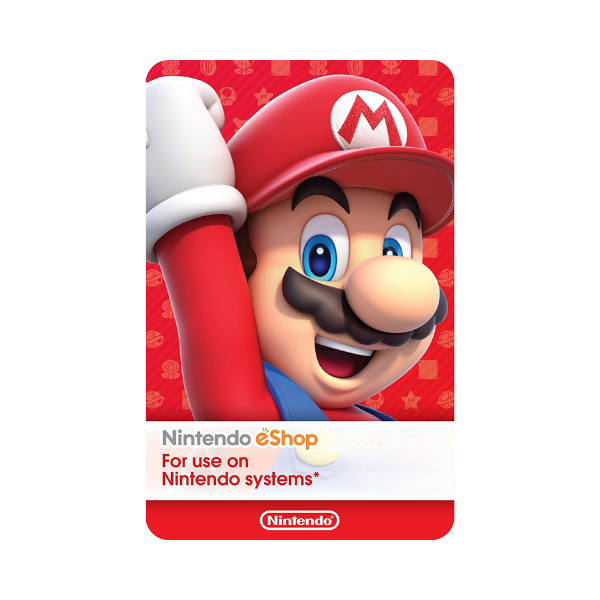
Nintendo eShop Gift Cards
Description
Top up your Nintendo eShop wallet with a Nintendo eShop gift card and spend it on Switch games (digital download), DLC, in-game currencies (Animal Crossing Nook Miles ticket packs), Nintendo Switch Online expansion-pack memberships, and discounted indie titles. The eShop card adds wallet balance in your account’s local currency — a USA card adds USD, a UK card adds GBP, and an EU card adds EUR…
Nintendo eShop codes are 16 characters and add funds to your Nintendo Account balance.
- On a Switch — Open the Nintendo eShop from the HOME menu, pick your account, choose Enter Code, and type the 16-character code.
- On the web — Go to ec.nintendo.com/redeem, sign in to your Nintendo Account, enter the code and confirm with your password.
Before you redeem
- Your Nintendo Account country must match the card region — a UK code will not redeem on a US account, and vice versa.
- Check the country set on your account before buying; eShop funds cannot be moved between regions.
Related products
Nintendo Switch Online Membership
In Stock







Level up your gaming experience. Explore our diverse range of gift cards, vouchers, and game keys for PlayStation, Xbox, Nintendo, PC, and more.
© 2026 Metricade. Brand of Market Catalyst Enterprises. All rights reserved.
