
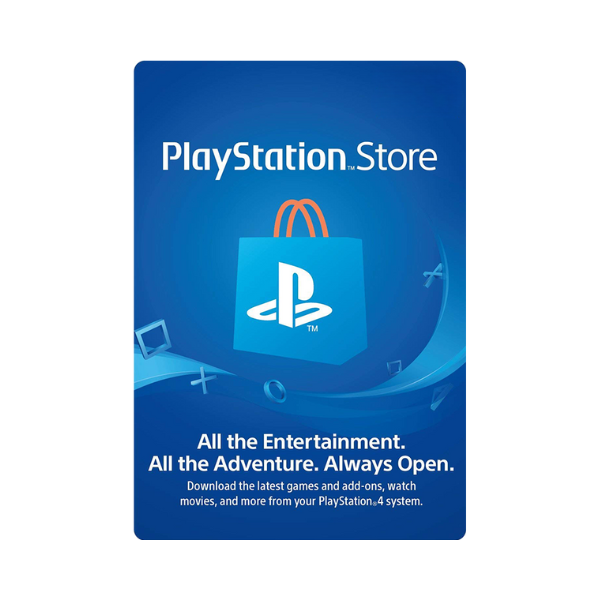
PlayStation Gift Cards
Redeemable on PlayStation Network through PS5, PS4, PS3, and PS Vita
Description
Top up your PlayStation Network wallet with a PSN gift card and load PSN credit straight into your account — usable for full-game digital purchases on the PlayStation Store, DLC packs, season passes, PlayStation Plus and PS Plus Premium memberships, the PS Now back-catalogue, in-game currencies (FIFA Points, V-Bucks, MyTeam packs), and pre-orders. The PSN gift card USA Pakistan variant is the most-requested…
PlayStation Store codes are 12 digits. Redeeming adds funds to your PSN wallet.
- On PS5 — Open PlayStation Store, press the triangle button, choose … (More) → Redeem Code, then enter the 12-digit code.
- On PS4 — Open PlayStation Store, scroll to the bottom of the sidebar, choose Redeem Codes, enter the code and confirm.
- At checkout — You can also apply a code while buying something — pick Redeem Codes and Gift Cards in the payment menu.
Before you redeem
- The code region must match your PSN account region. Your account region is fixed when the account is created and cannot be changed later, so check it before you buy.
- You do not need to type the hyphens — the redemption screen adds them for you.
- Funds land in your wallet in that region's currency and cannot be moved to another account.







Level up your gaming experience. Explore our diverse range of gift cards, vouchers, and game keys for PlayStation, Xbox, Nintendo, PC, and more.
© 2026 Metricade. Brand of Market Catalyst Enterprises. All rights reserved.
