
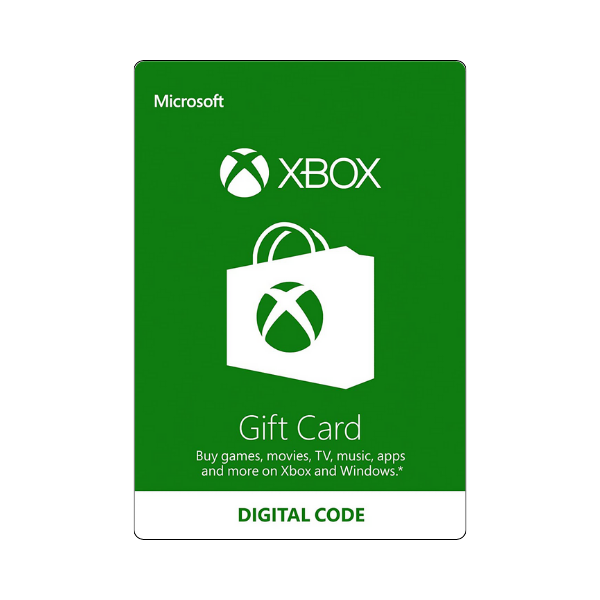
Xbox Gift Cards
Description
Load store credit onto your Microsoft account with an Xbox Gift Card and spend it across the entire Microsoft ecosystem — Xbox games (full-game digital purchases on the Microsoft Store), Xbox in-game currency (V-Bucks, Robux top-ups, FIFA Points), DLC and season passes, movies and TV on the Microsoft Store, Xbox Game Pass subscription extensions, and even non-gaming Microsoft Store apps and Surface…
Xbox gift card codes are 25 characters and add store credit to your Microsoft account.
- On the web — Go to microsoft.com/redeem, sign in to the account you play on, and enter the 25-character code.
- On an Xbox console — Open the Store and choose Redeem under “Redeem a code”.
- On a Windows PC — Open the Xbox app → your gamerpic → Settings → Redeem.
Before you redeem
- The card region must match the country on your Microsoft account — a US card will not redeem on a UK account.
- Sign in to the correct account first. Microsoft cannot move credit between accounts once redeemed.
- The Xbox mobile app cannot redeem codes — use the web method on a phone or tablet.
Related products
Xbox Game Pass Membership
In Stock







Level up your gaming experience. Explore our diverse range of gift cards, vouchers, and game keys for PlayStation, Xbox, Nintendo, PC, and more.
© 2026 Metricade. Brand of Market Catalyst Enterprises. All rights reserved.
