
How to Redeem a PSN Code on PS5, PS4, or PC
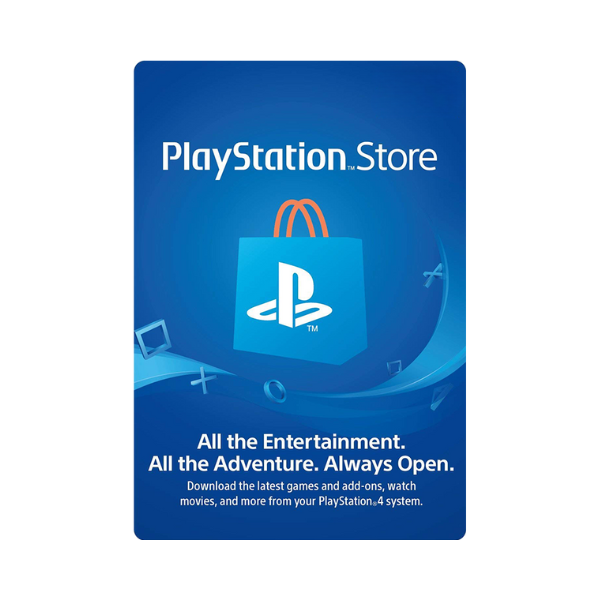
You’ve got a PSN code — now what? Redemption takes under a minute once you know where the menu is hiding, but Sony’s put it in a slightly different spot depending on whether you’re on console, the PlayStation App, or a browser. Here’s every path.
Need a code to redeem? Buy PSN gift cards on Metricade in the denomination and region you need, paid for in Pakistani rupees via EasyPaisa, JazzCash, SadaPay, NayaPay, or your bank account via RAAST/direct transfer, confirmed by receipt upload or WhatsApp — no international card required.
On PS5
Go to the PlayStation Store app, open your profile icon in the top-right corner, and select Redeem Codes. Enter the 12-character code exactly as printed (it’s case-insensitive but dashes matter), confirm, and the balance lands in your wallet immediately.
On PS4
Same idea, older menu: PlayStation Store → your profile icon → Redeem Codes. If you don’t see the option, make sure you’re signed in and connected to PSN — the redeem screen won’t load offline.
On the PlayStation App or web
Sign in at the PlayStation Store website or open the mobile app, go to your account menu, and look for Redeem Code under wallet or account settings. This works even if your console is off — the balance applies to your account, not a specific device.
Common redemption errors
- “This code is invalid” — almost always a region mismatch. The card’s region has to match your account’s region exactly; see our PSN region guide if you’re not sure which one you’re on.
- “This code has already been redeemed” — the code was used before, or scratched/photographed by someone else before you got it. Buy only from a source that hands you a code no one else has seen.
- Typos — 0 (zero) and O, and 1 (one) and I, are easy to confuse when typing a code manually. Copy-paste if you received the code digitally.
What the balance can be used for
Once redeemed, the balance sits in your wallet and covers anything sold on the PlayStation Store — full games, DLC, in-game currency, add-ons, and PlayStation Plus membership. It doesn’t expire on a fixed schedule the way some retail vouchers do, though very old unused balances can be affected by account inactivity policies.
Where to get a genuine code
A code you’ve never seen redeemed, from the region that matches your account, is all you need. Buy PSN gift cards on Metricade — genuine codes across every denomination, delivered by email once your order is confirmed. For the full walkthrough on paying from Pakistan, see our PSN gift card buying guide.







Level up your gaming experience. Explore our diverse range of gift cards, vouchers, and game keys for PlayStation, Xbox, Nintendo, PC, and more.
© 2026 Metricade. Brand of Market Catalyst Enterprises. All rights reserved.
