
PSN Wallet, Membership & Network Explained: The Basics Every PlayStation Owner Should Know
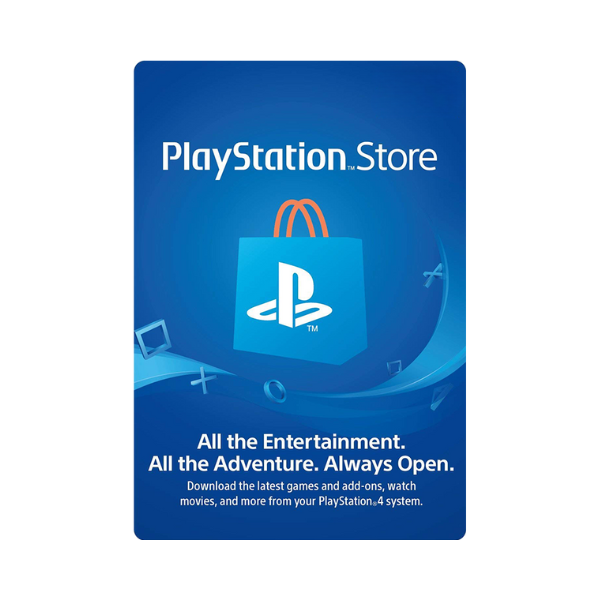
PSN, PS Store, PlayStation Network, wallet, membership — Sony uses a handful of overlapping terms that all describe pieces of the same system. If you’re new to PlayStation or just never had to think about it, here’s how the pieces actually fit together.
Top up your PSN wallet from Metricade. Buy a gift card in your account’s region, redeem it, and the balance is ready to spend anywhere on the PlayStation Store. Pay in Pakistani rupees via EasyPaisa, JazzCash, SadaPay, NayaPay, or your bank account via RAAST/direct transfer, confirmed by receipt upload or WhatsApp.
PlayStation Network (PSN)
PSN is the online service layer underneath everything — it’s what lets you sign in, play online, message friends, and access the PlayStation Store. Every PS4 and PS5 owner has a PSN account whether or not they’ve ever paid for anything; a free account already gets you the Store and your library.
PlayStation Store
The storefront itself — where you browse and buy games, DLC, add-ons, and subscriptions. It’s tied to your PSN account’s region, which determines the catalogue and currency you see. Accessible from console, the PlayStation App, or a web browser.
Your wallet
A running balance attached to your PSN account, held in your account’s currency. Redeeming a gift card adds to this balance; any Store purchase — games, DLC, or PlayStation Plus — draws down from it first before falling back to a linked card, if one exists.
PlayStation Plus membership
An optional paid subscription layered on top of a free PSN account, split into Essential, Extra, and Premium tiers — see our full tier breakdown for what each unlocks. Membership can be paid for directly by card or funded from wallet balance, which is the route most gift-card buyers use.
Region: the setting that ties it together
Everything above — Store catalogue, wallet currency, and which gift cards will redeem — is locked to the region your account was created in. This is the single most common source of confusion for new buyers. Check yours before buying anything: see our PSN region guide.
Putting it together
Sign up (free PSN account) → browse the Store in your region → top up your wallet with a gift card → spend the balance on games or PlayStation Plus. That’s the entire loop, and it’s the same whether you’re on PS4, PS5, or the mobile app. Ready to top up? Buy PSN gift cards on Metricade — every major region and denomination, paid for in rupees, code emailed once confirmed.







Level up your gaming experience. Explore our diverse range of gift cards, vouchers, and game keys for PlayStation, Xbox, Nintendo, PC, and more.
© 2026 Metricade. Brand of Market Catalyst Enterprises. All rights reserved.
